





















How to Pull up and Hide Keyboard in iOS System for wireless scanner bluetooth mode
Announcer: Ivan Time: 2023年04月27日
Share to :


 4831 views
 0 comments
Case:
When you connect the wireless scanner to IOS system via Bluetooth mode, the IOS keyboard was hidden. You can’t use the wireless scanner and IOS Keyboard input at the same time.
Support List:
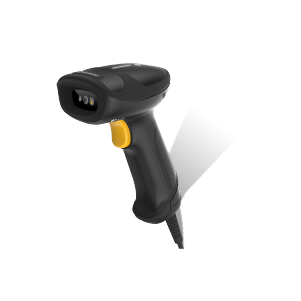
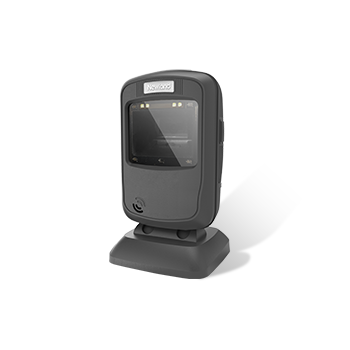
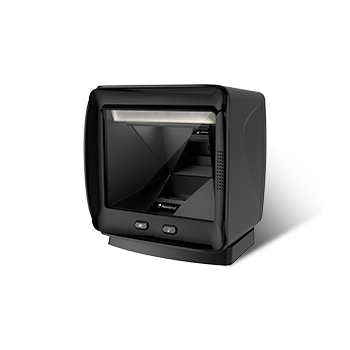
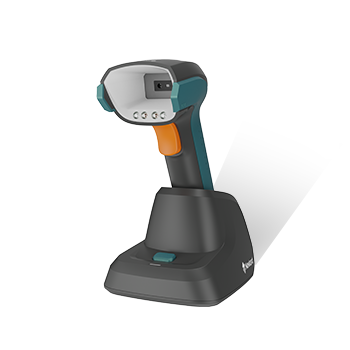
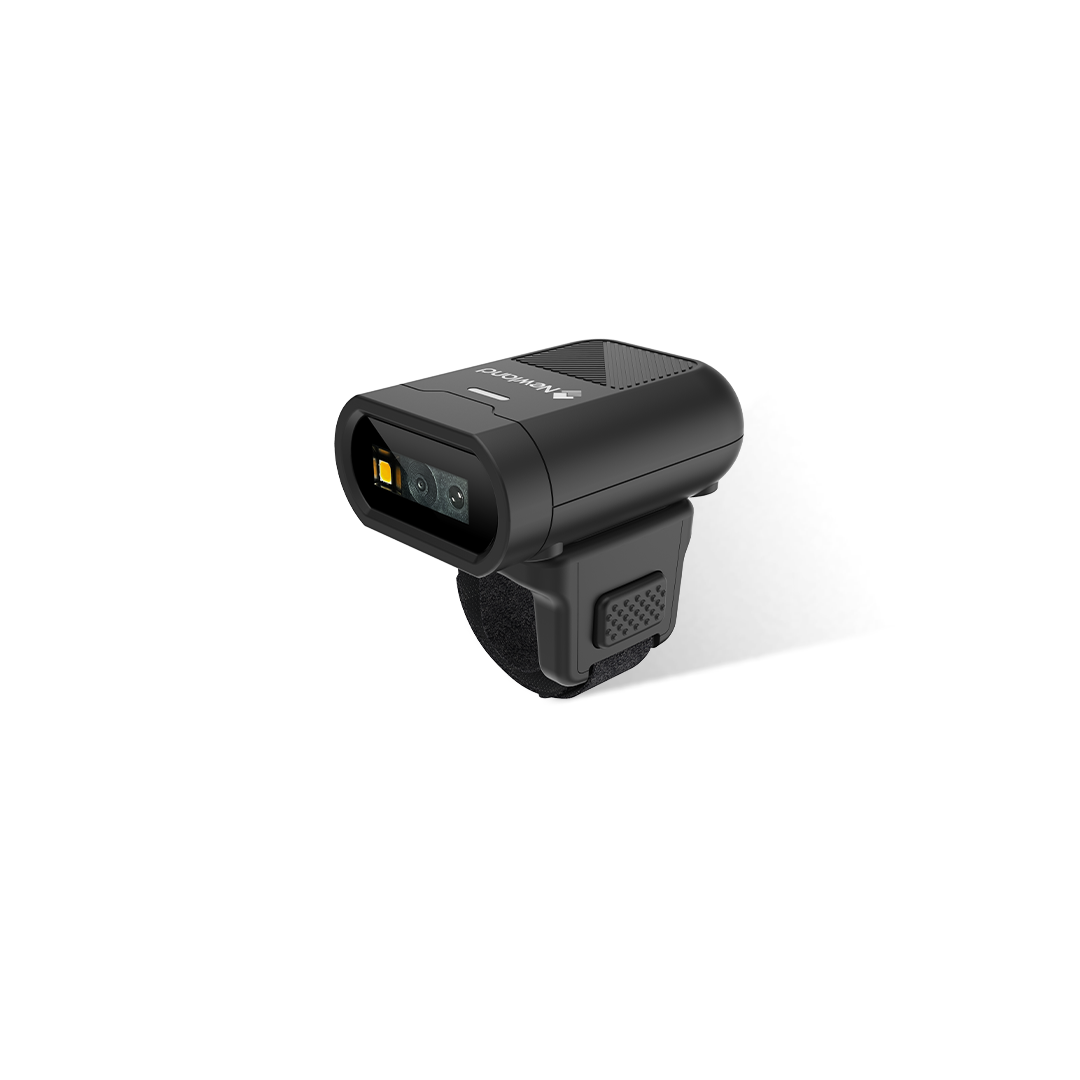
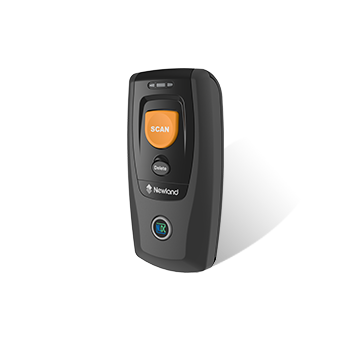
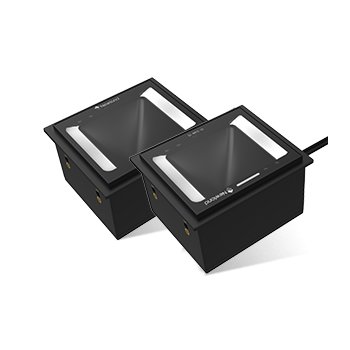
BS30/BS50/HR1580-BT/HR2081-BT/HR3280-BT/HR5280-BT
Solution:
To Push the trigger button twice to pop up IOS keyboard and push the trigger twice again to hide the IOS keyboard.
All comments (0)


