







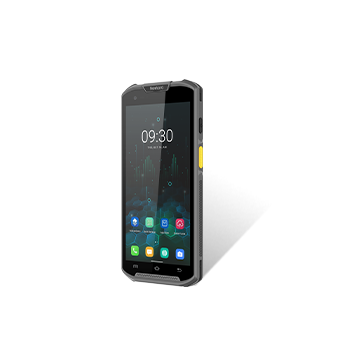
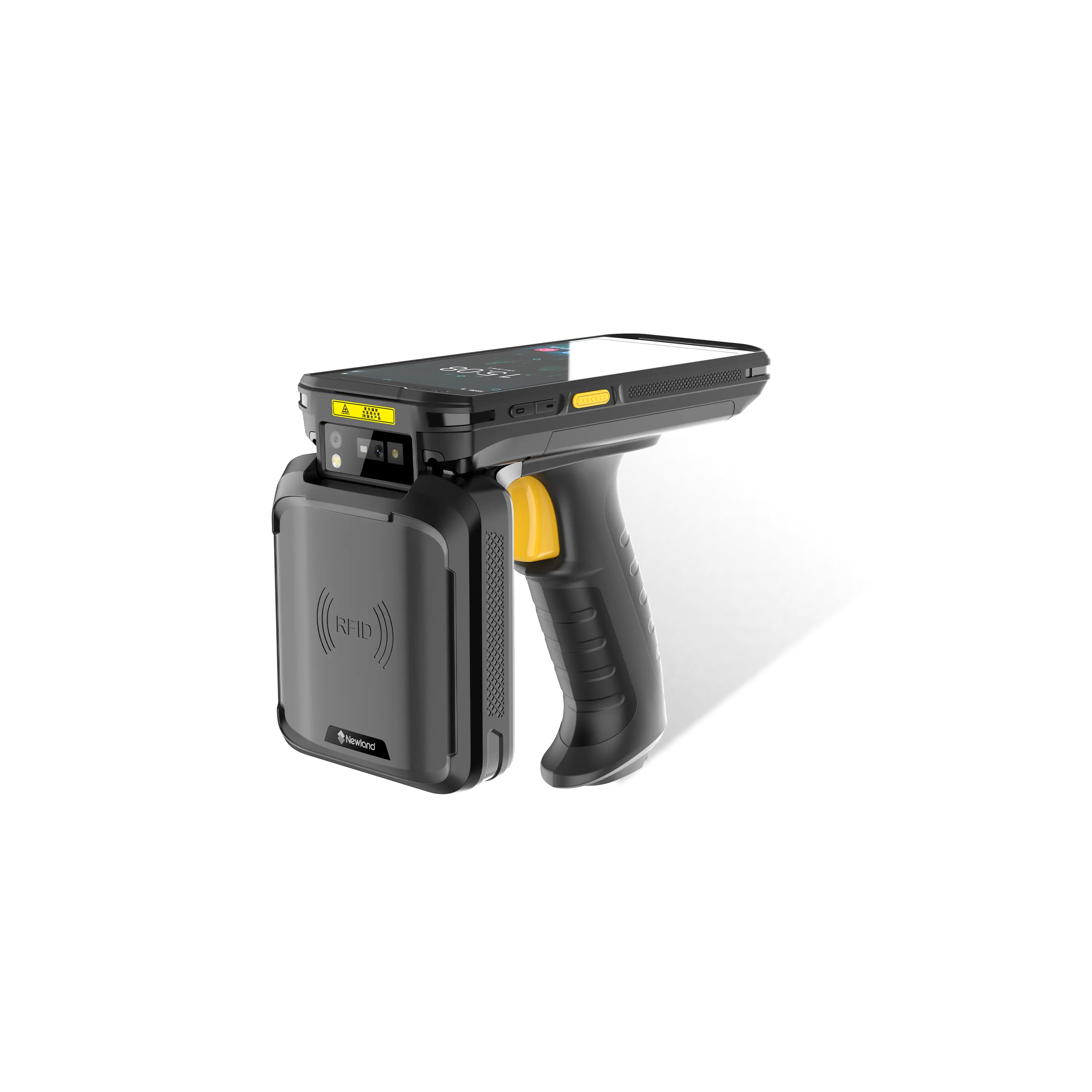




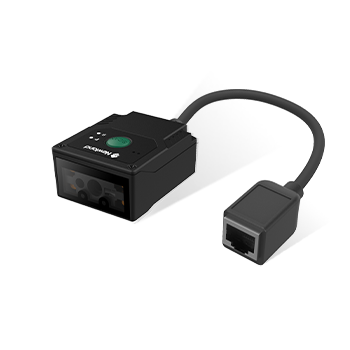
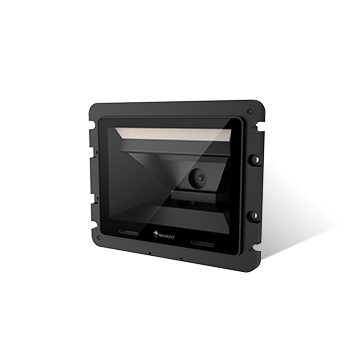
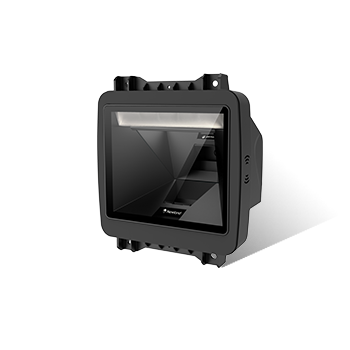
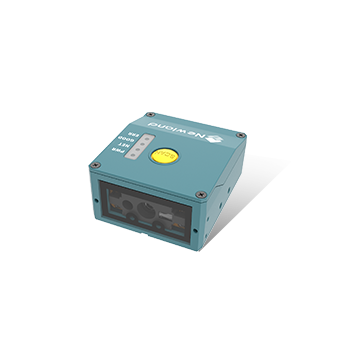
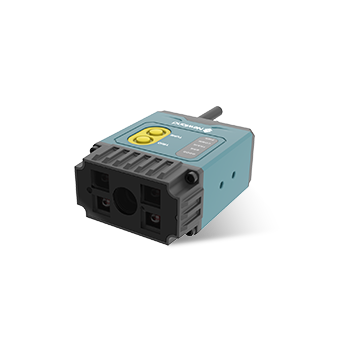
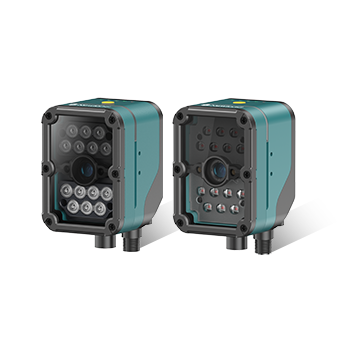
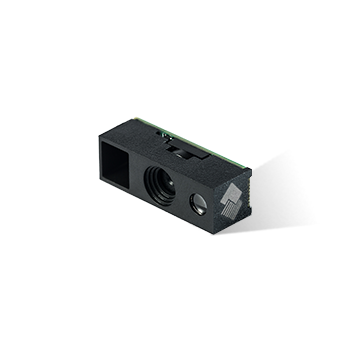
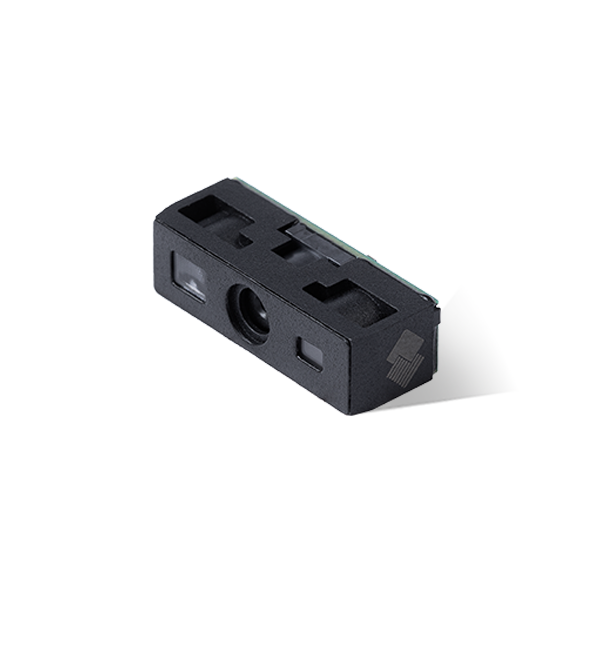

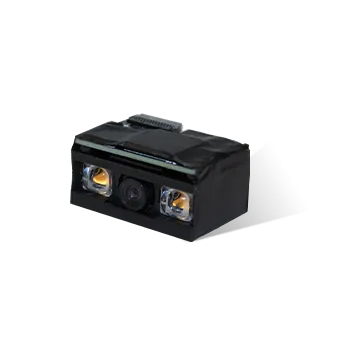
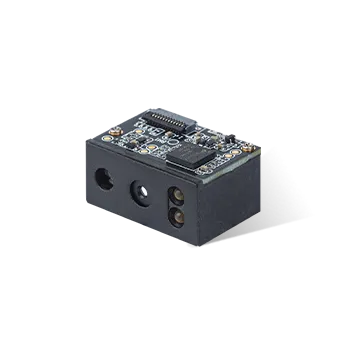
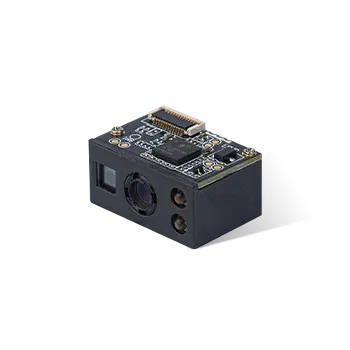
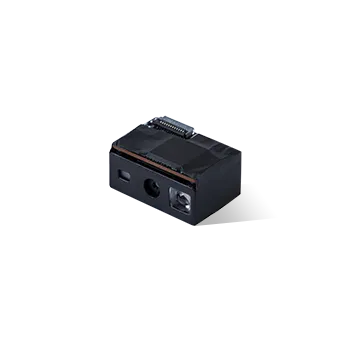
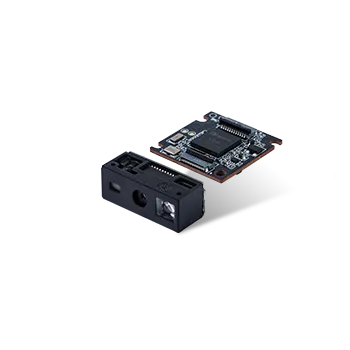





Ndevor cannot Scan the QR code by the camera in the back
Announcer: Stephen Time: 2022年02月24日
Share to :


MORE
 4586 views
 0 comments
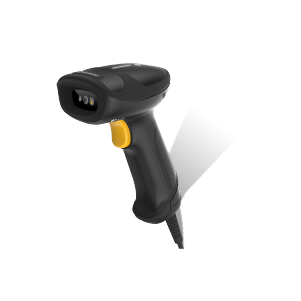
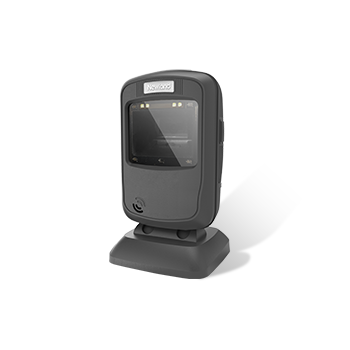
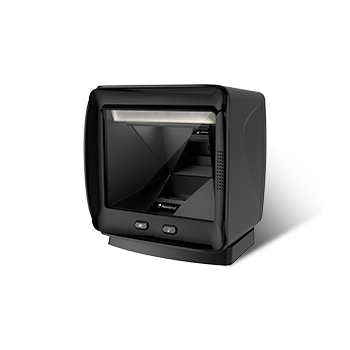
When you are using the following ICON to scan the Ndevor
Group QR code, it pops up the following hint:

Enter Quick Settings—Scan—Output mode, Set the output as :”Output
via API” and click OK.

Change back to the log in page in Ndevor, use the scan
engine of the device to scan the Group QR code directly.
All comments (0)


