







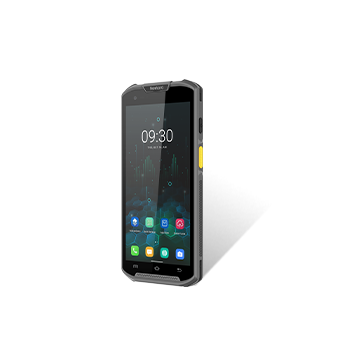
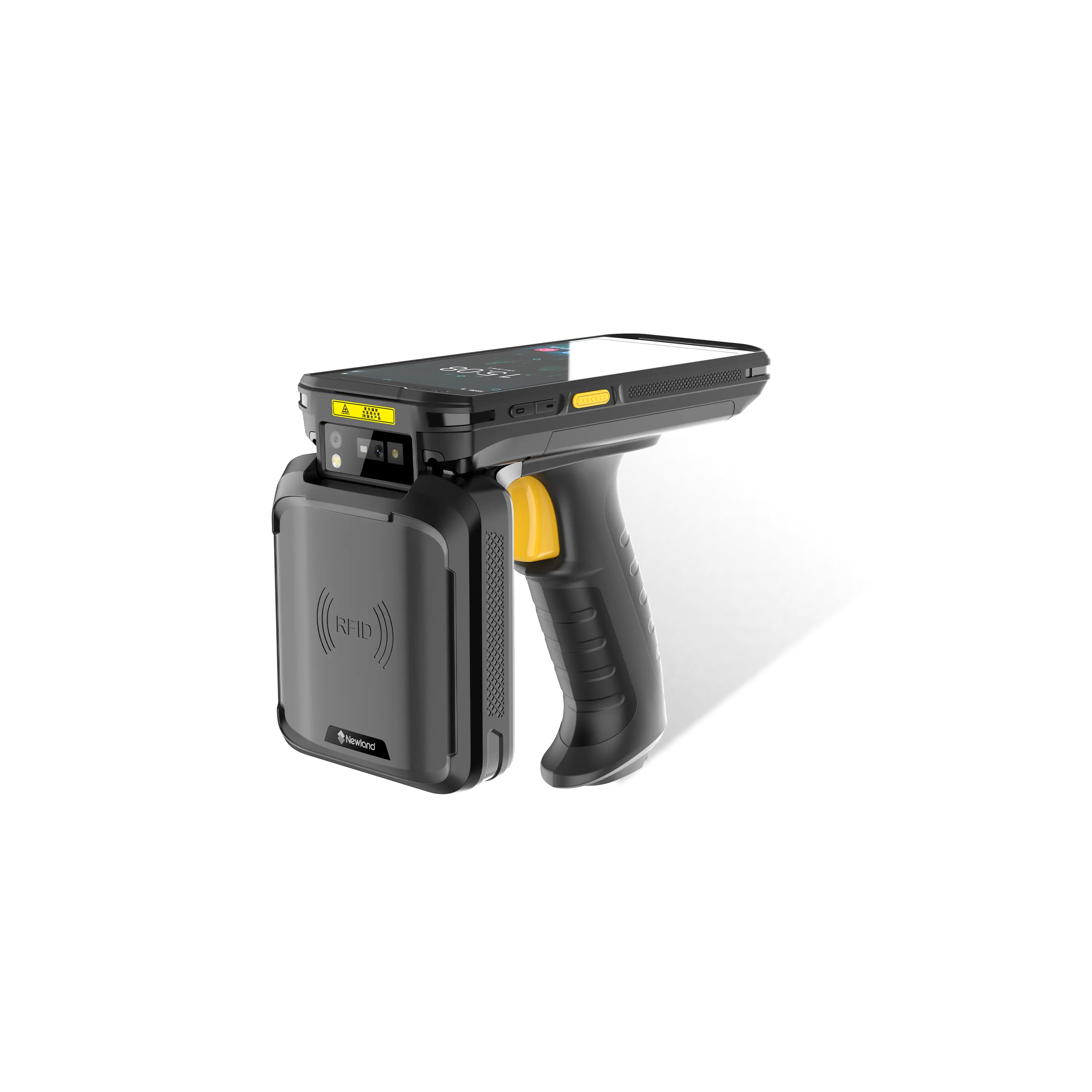












How to enable floating Touch in MT90
Announcer: Stephen Time: 2021年07月30日
Share to :


MORE
 4213 views
 0 comments
1. Enter Newland Installer in the Menu, choose Floating Touch and install it.


2. Enter Quick setting→Floating.


3. Enable Floating Touch and set the function by your requirement.

All comments (0)


