











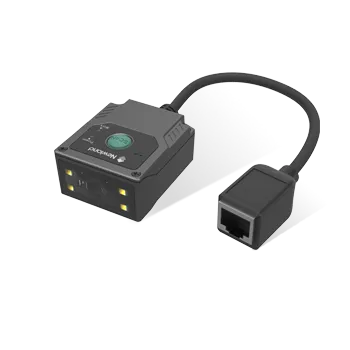
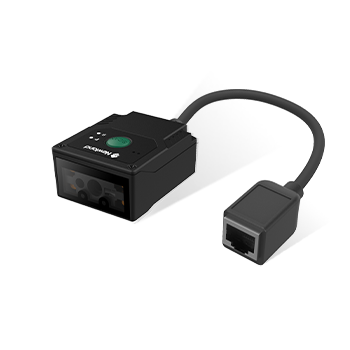

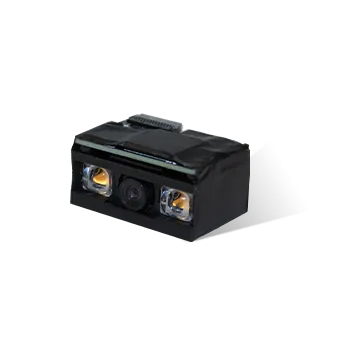
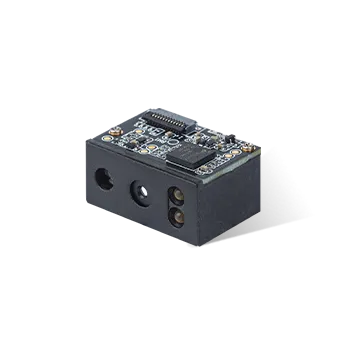
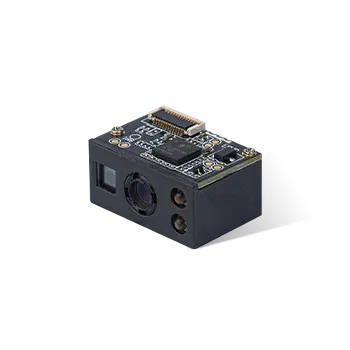
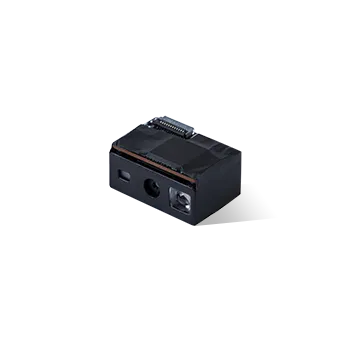
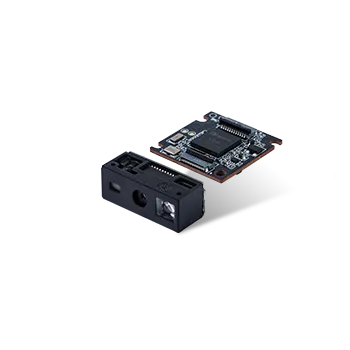





How to upgrade FM430 firmware by easyset
Announcer: Stephen Time: 2021年07月30日
Share to :


MORE
 7926 views
 2 comments
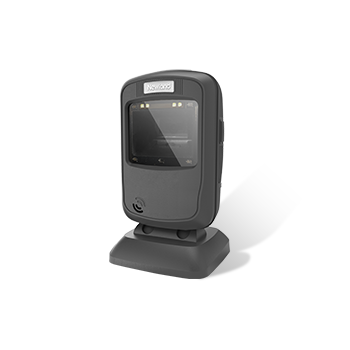
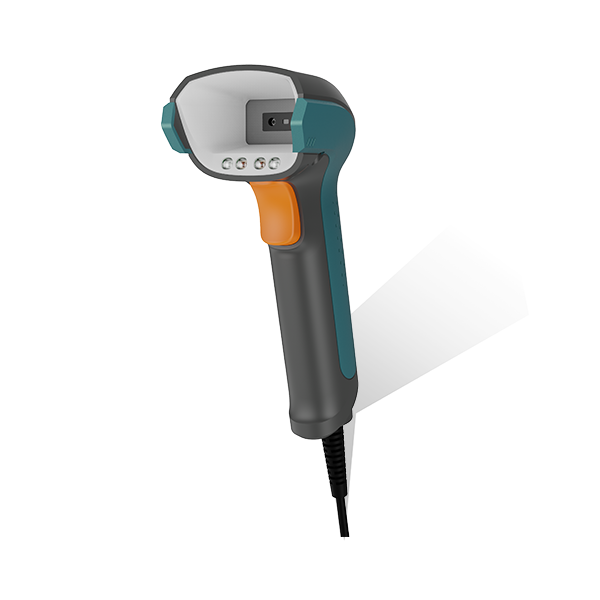
1, connect FM430 with PC via USB cable(042UA), scan setup barcode and click “refresh” to detect FM430 on easyset

2, click “update firmware” and choose proper firmware from PC, then “update”

3, done

All comments (2)
-
 Guest 2where can i download the firmware? Thanks FM430's Product Name: NLS-FM430-SR-U Firmware Version: 1.01.028 Decoder Version: 4.07.100.B87 Hardware Version: V1.2 Serial Number: FG9F17291NOM OEM Serial Number: Manufacturing Date: 2019-06-21 country : Thailand2024年02月01日
 -
Guest 1where can i download the firmware? Thanks2022年12月08日
-
William:please contact support@newlandaidc.com with your FM430's serial number and the info of your region/country. we'll have our support team to contact you directly, thanks!2022年12月08日
-


