







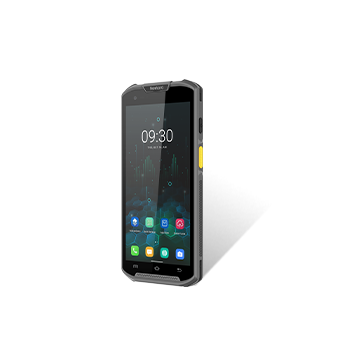
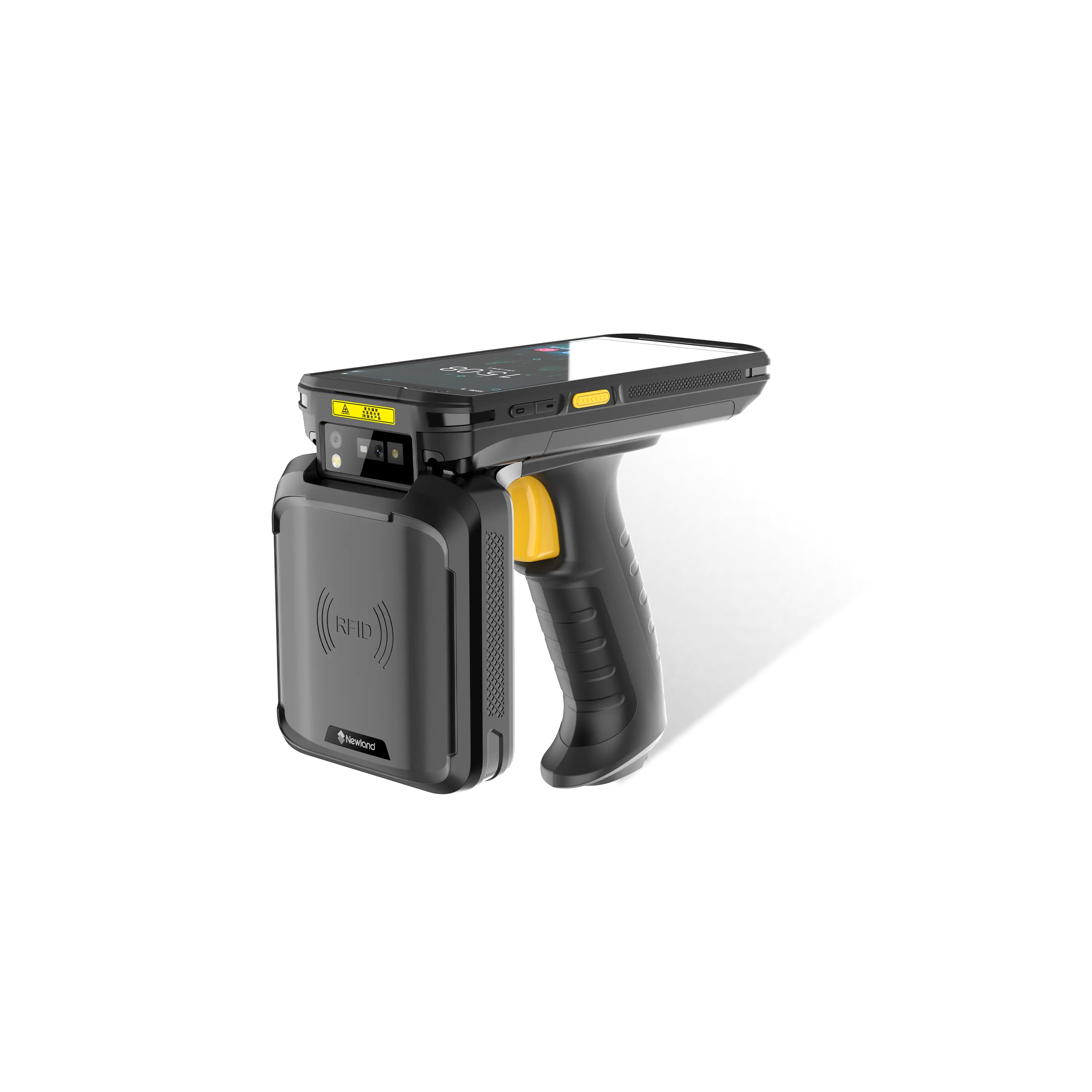


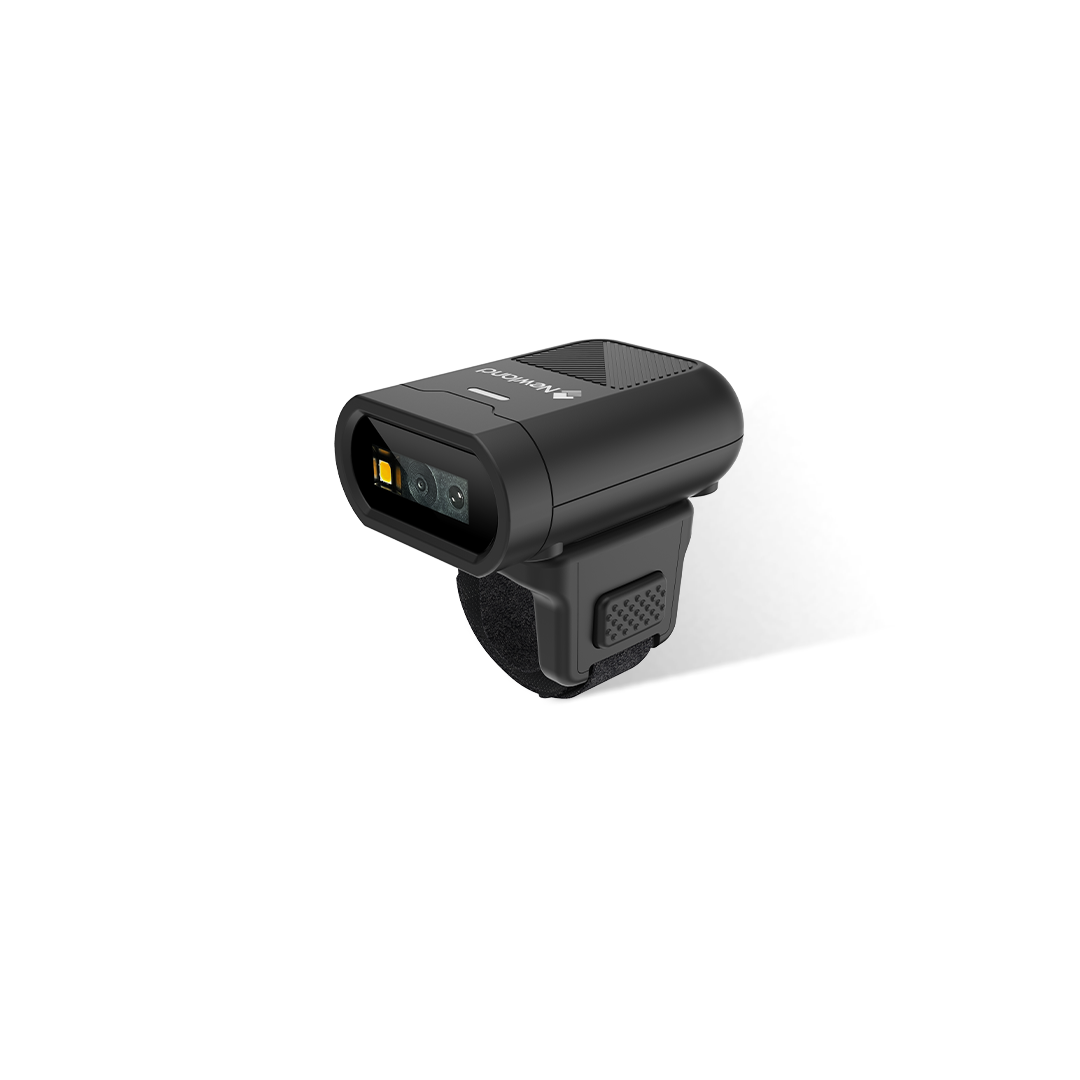


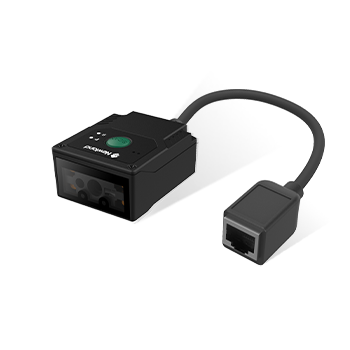
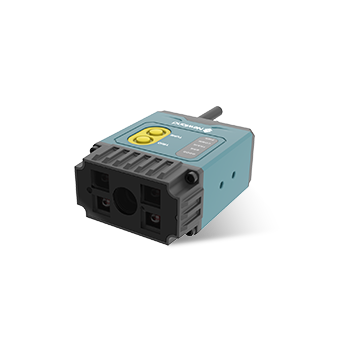
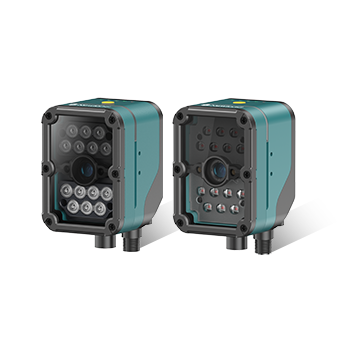

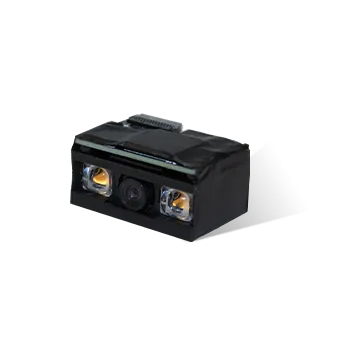
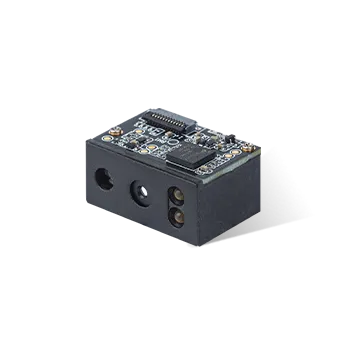
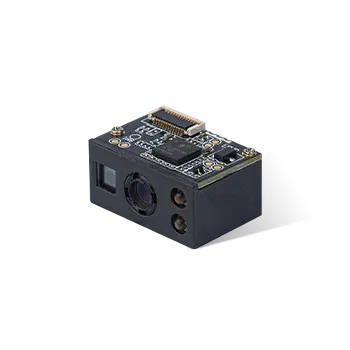
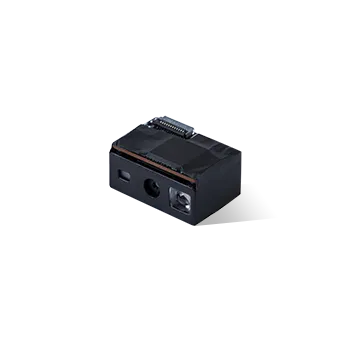





NFT10 How to upgrade the NFT10 firmware form System update-local update
Announcer: Ivan Time: 2021年07月29日
Share to :


MORE
 8930 views
 3 comments
1.Copy the OTA firmware NFT10-GL_V6.00.007.zip to NFT10 Internal shared storage

2.Enter system update


3.Local update

4. Choose the firmware

5. Choose update then the device will restart and enter the “installing system update” interface


6. After the installing is done, the device will restart automatically.
Then you can enter system update to check the firmware version

All comments (3)
-
 Guest 3How to download that zip file2024年04月07日
-
William:please contact your device provider for support. or contact support@newlandaidc.com with S/N of your device and country/region where you are. thanks!2024年04月07日
-
-
Guest 2ok2024年02月11日
-
Guest 1heiio2023年12月27日


