







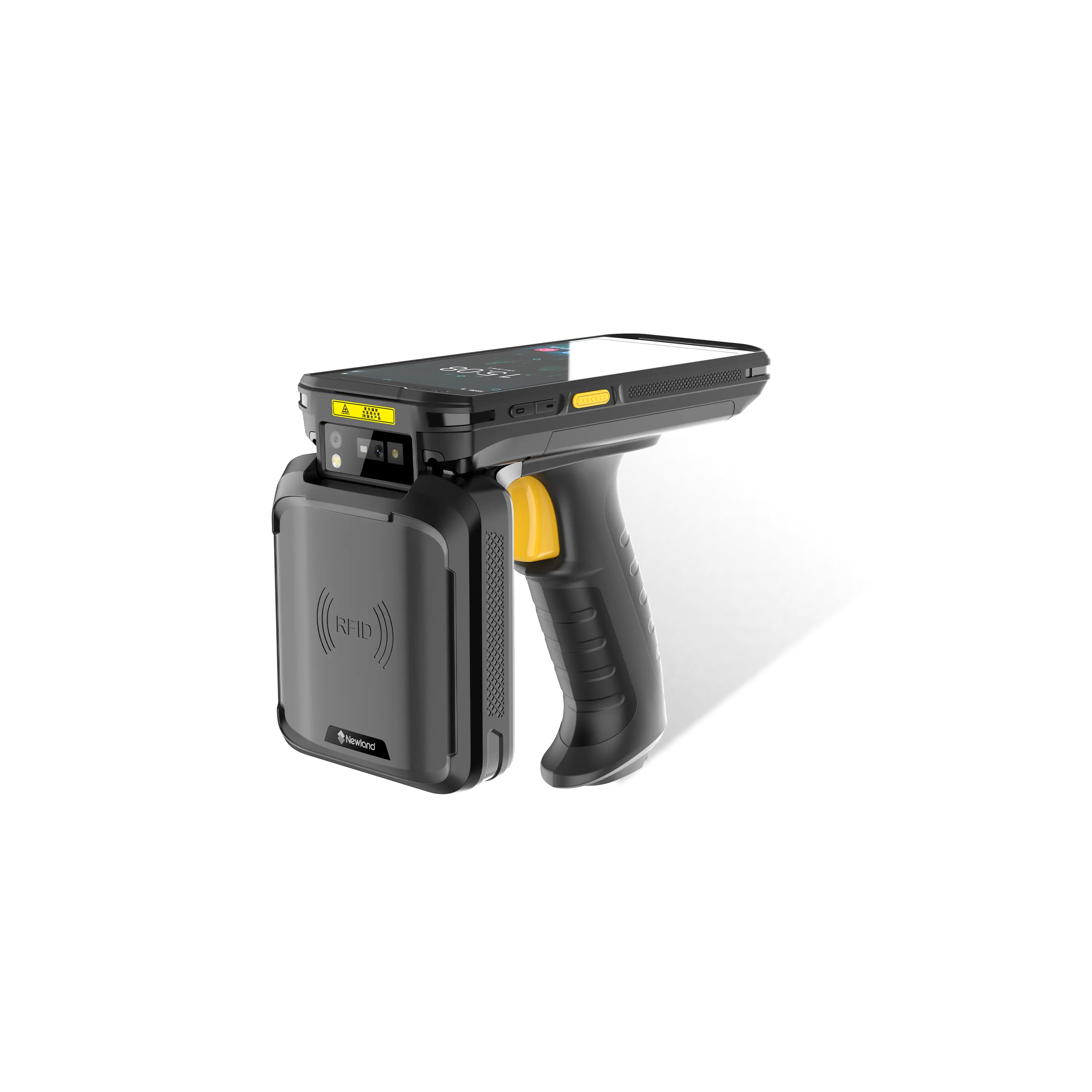





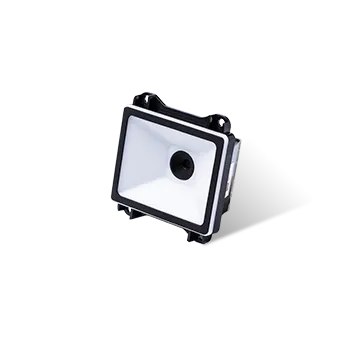

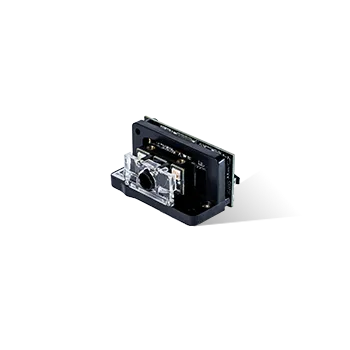
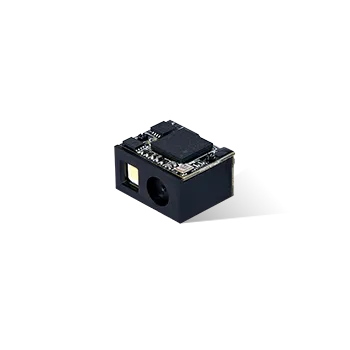
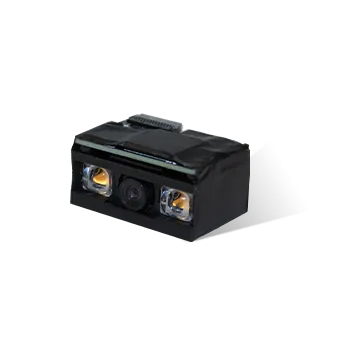





MT9084 How to upgrade MT9084 scan engine firmware
Announcer: Ivan Time: 2021年07月29日
Share to :


MORE
 4423 views
 0 comments
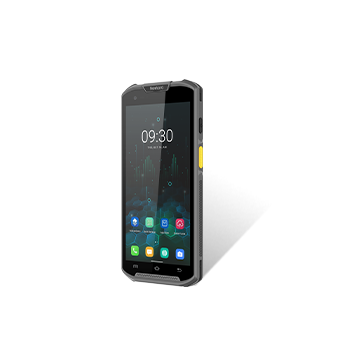
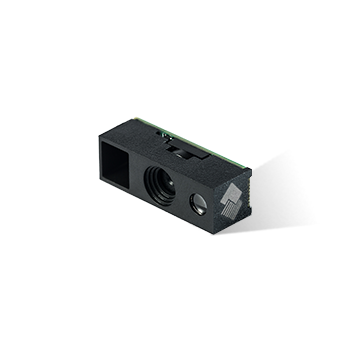
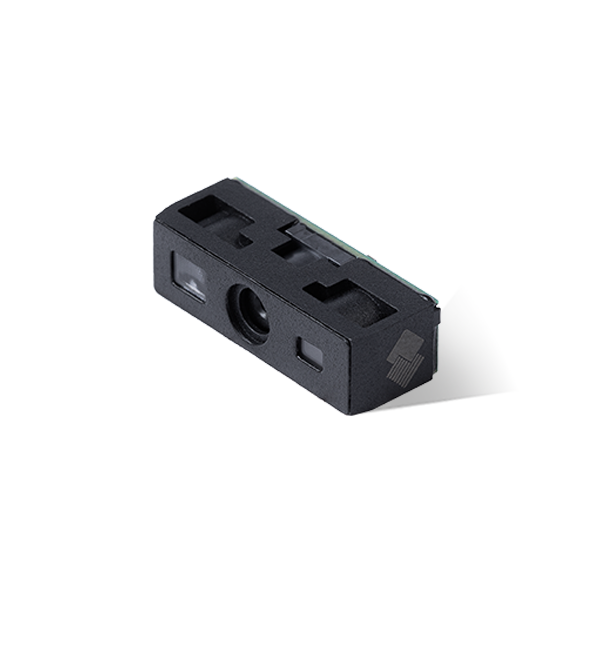
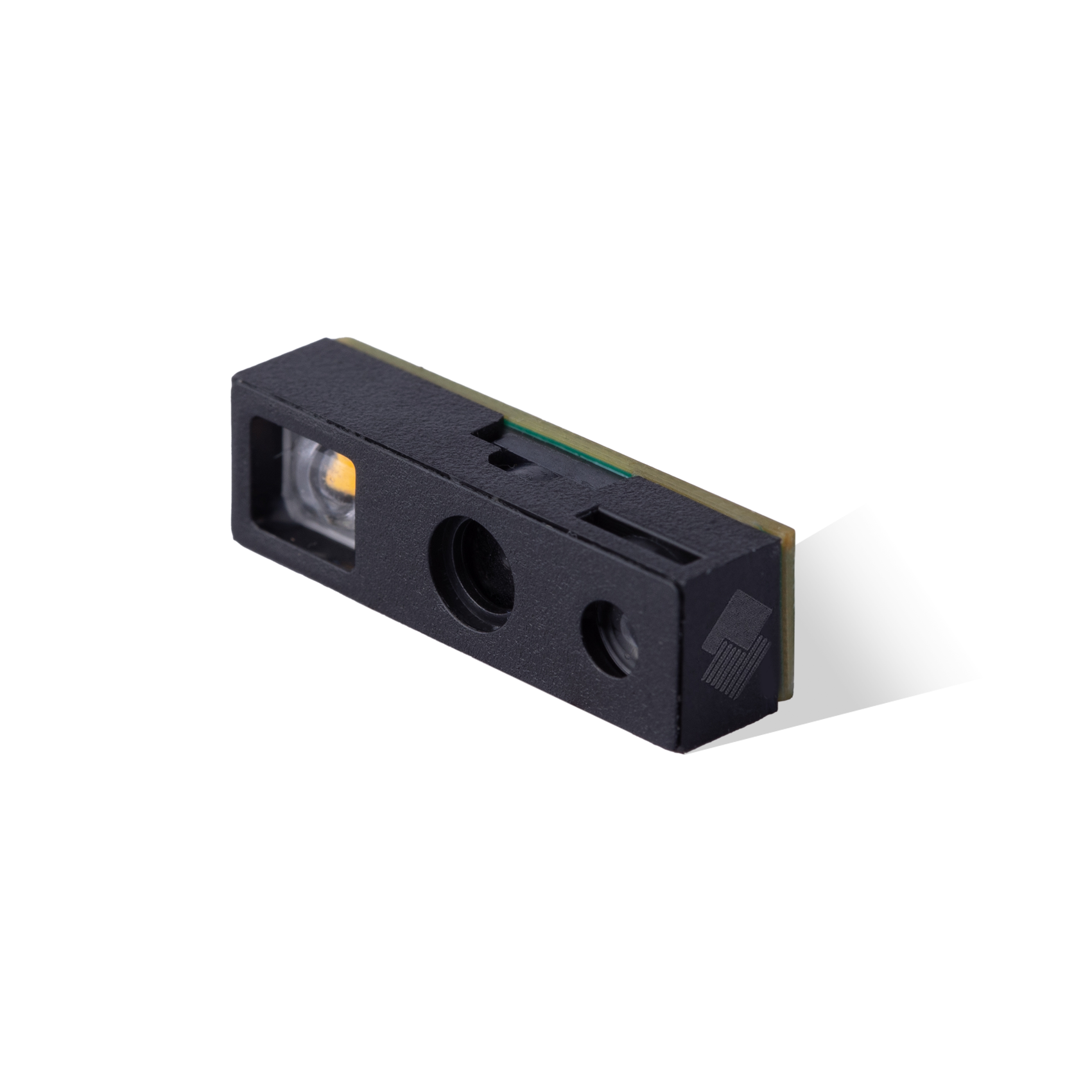
1. Copy the MT9084 Scan engine firmware to the device.

2. Open the call application

3. Enter “*#3366#” to enter the PDA tool

4. Click “2.Upgrade”

Choose the firmware you form the path you copy to the device.

5. Then it will start upgrade

6. Upgrade successfully.

All comments (0)


