




















 4178 views
 0 comments
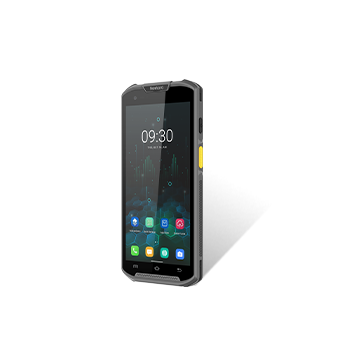
DC850-3B 1D
1.System Menu→[2]SystemSet

2.[13]Barcode

3.[1]BarcodeSet

4.Move to the codetype you want ,and push the “OK” button on the keypad to choose.


5.After you choose all the barcode you want, click the “OK” on the right side. And then pop up a notice “Set OK”

DC850-2B 2D
1.System Menu→[3]SystemSet

2.[13]Barcode

3.[1]BarcodeSet

4.Move to the codetype you want ,and push the “OK” button on the keypad to choose.

5.After you choose all the barcode you want, click the “OK” on the right side. And then pop up a notice “Set OK”

6.Config Italian Pharmacode(code 32)
Move to the Code39,and push the ”enter” on the keypad.

7. push” right “ button

8.choose convert code 39 to code32. Push “OK” button on the keypad.
Then move to ”Setup”,push”OK”

Then will pop up a notice” Setup success!”


