


























How to set Keymap
Announcer: Stephen Time: 2021年07月21日
Share to :


MORE
 4698 views
 0 comments
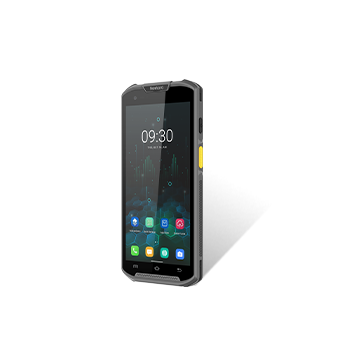
1. Enter Quick setting and choose Key map.

2. Choose the key that you want to set the key map

3. If you want to disable the scan left key, you can set 00 and click Custom.

4. After setting, it will show as following:

All comments (0)


